

backflow testing software
5 Signs It's Time to Switch Backflow Testing Software
Pete Volk · August 15, 2026 · 5 min read
The short answer: If a missed renewal has already cost you a customer, your software goes down when you need it most, or you've caught it miscalculating a due date, that's not bad luck — it's a sign the tool itself is the problem. Here are the five most common signs backflow testers report, and what's actually behind each one.
1. You're still tracking renewals in a spreadsheet — and it's already bitten you once
A spreadsheet doesn't notice when a due date is approaching. It doesn't send a reminder, it doesn't flag an overdue device in red, and it doesn't care that the tab with 400 rows in it hasn't been opened in three weeks. If you've ever had a customer call asking why nobody reminded them their backflow test was due, that's not a one-off — it's the predictable failure mode of using a tool that was never built to track dates against today's calendar. At $85 a test, losing even 10 renewals a year to a missed date is real money walking away quietly.
2. Your software goes down — and takes your data with it
Reliability sounds like a minor operational detail until it isn't. One Syncta user's Capterra review states the software "has crashed for days at a time," with data lost outright — while the account was still being billed for support that wasn't available during the outage. If your current tool has ever been unreachable during a busy stretch, or you've lost work you can't get back, that's worth weighing seriously. A compliance tool that can't guarantee uptime is asking you to trust it with the one thing your business can't afford to lose track of.
3. It doesn't work without cell service
Backflow testing happens in mechanical rooms, basements, and rural properties — exactly the places cell signal is weakest. One Capterra reviewer put it plainly about their own software: "If you do not have cell service, you have no access to database in any way." If your tool goes dark the moment you lose a bar of signal, you're either working blind or falling back to paper mid-job, which defeats the point of having software at all.
4. You've caught it getting a due date wrong
This is the one that should worry you most, because it's a failure in the exact calculation the whole product exists to get right. One reviewer described their system incorrectly auto-scheduling a renewal date "24 months ahead" of when it should have been — a silent error that only gets caught if someone happens to notice. A tool that occasionally gets the math wrong on renewal dates isn't just inconvenient; it can quietly recreate the exact missed-renewal problem you bought the software to prevent.
5. You're paying full price in your slow season for features you don't use
Some backflow software prices by feature rather than by a flat rate — Capterra lists Syncta's starting price at $29 per feature per month, which means a setup using several capabilities together (reminders, routing, invoicing, e-signature) adds up to more than the sticker number suggests, and the bill doesn't flex with a slow month. One reviewer called this "a little spendy" and specifically flagged paying full fees during slower seasons. If you're not sure what you're actually paying for, or the bill doesn't match how busy you actually are, that's worth a second look.
What to do if two or more of these sound familiar
None of these signs is disqualifying on its own — every tool has an off day. But if you're nodding along to two or three of them, the underlying pattern is usually the same: the software is costing you time, money, or trust with a customer, quietly, in ways that are easy to write off individually and hard to ignore added up. CrossConnectHub was built around the three things this list keeps circling back to — a device and customer database that survives a spreadsheet import in minutes, automated 60/30/7-day renewal notices by email and text so a due date never depends on someone remembering to check, and pricing that's published up front rather than quoted after a sales call. We're onboarding founding customers now — get early access if any of this sounds like where you're at.
Frequently asked questions
How do I know if my backflow testing software is actually the problem, versus my own process? If the issue is a missed reminder, a due date that turned out wrong, or a tool that's unreachable when you need it, that's the software. If the issue is customer records that are incomplete or out of date, that's usually a process gap an import or cleanup can fix — worth ruling out before assuming the tool itself needs to change.
Is switching backflow testing software difficult? It depends on the tool. Look for one that supports importing your existing spreadsheet or a CSV export from your current software directly, rather than requiring manual re-entry of every customer and device.
What should I look for in a replacement? Based on the recurring complaints above: confirmed uptime, offline or low-signal reliability, accurate and auditable due-date calculations, and transparent, published pricing rather than a quote you only get after a sales call.
Sources: Syncta reviews — Capterra and Syncta pricing & features — Capterra (accessed August 2026) — see our full breakdowns in Syncta Reviews: What Backflow Testers Are Really Saying and Syncta Pricing: What It Actually Costs in 2026.
Ready to stop losing renewals?
We're taking founding customers now — locked-in pricing and a direct line to the person building it.
Get Early AccessMore from the blog
business-growth
How to Start a Backflow Testing Business
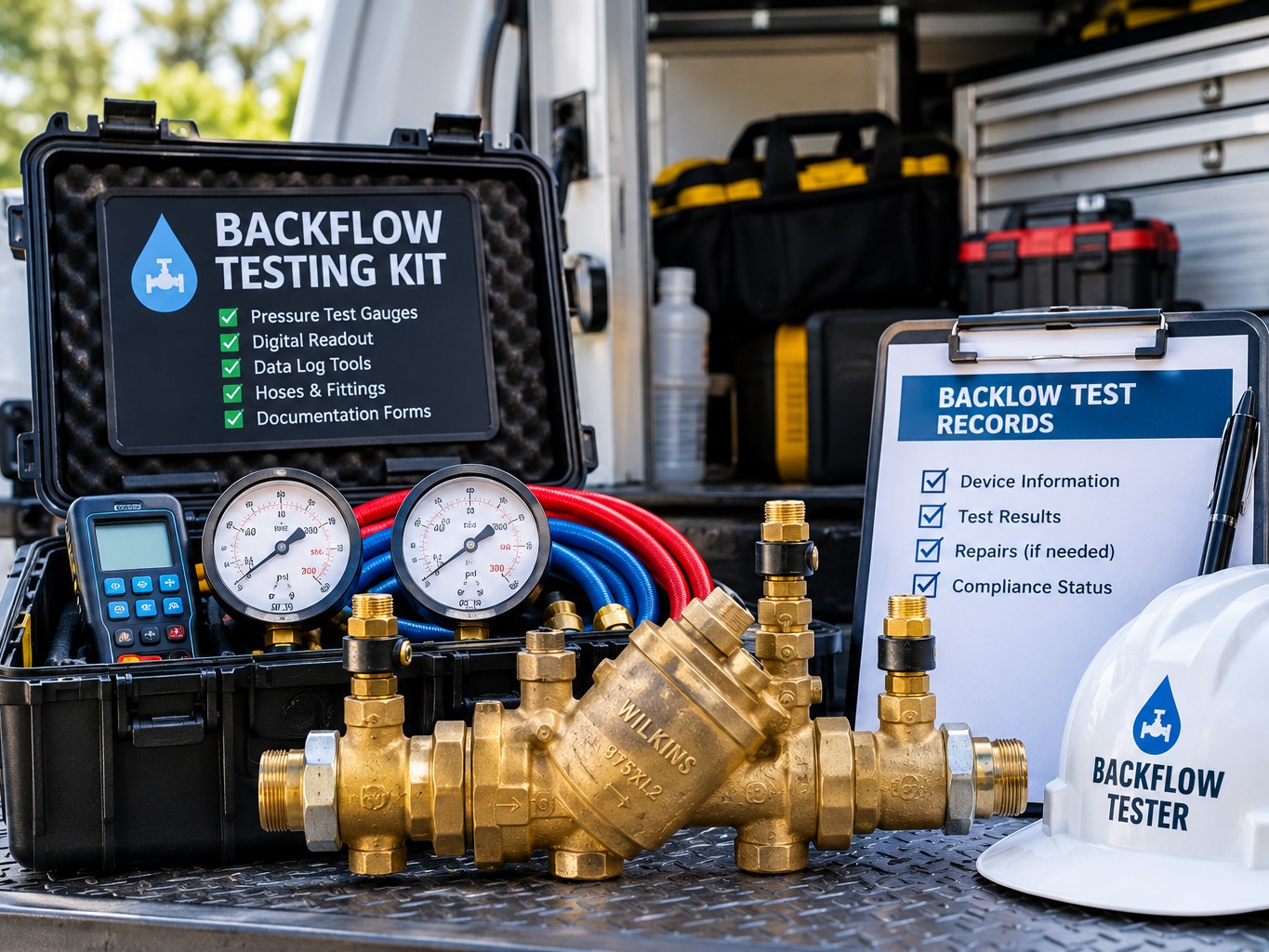
A practical overview of what it actually takes to start a backflow testing business — certification, insurance, equipment, building a customer base, and the systems that keep it running.
business-growth
How Many Devices Can One Tester Manage Profitably?
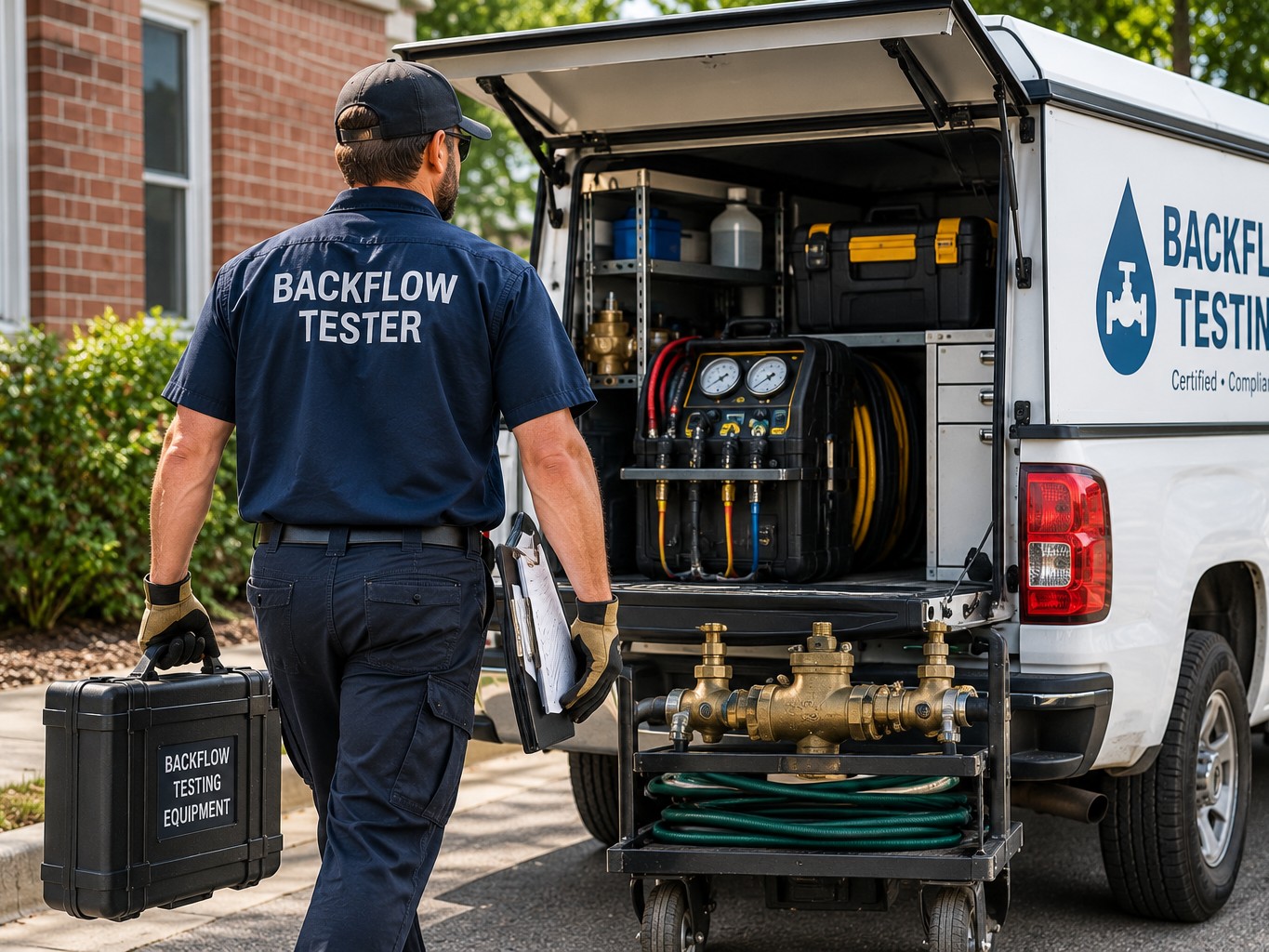
A working framework for estimating how many backflow devices a solo tester or small crew can realistically and profitably manage, and the levers that move the number most.
regulatory
EPA Cross-Connection Control Requirements, Explained
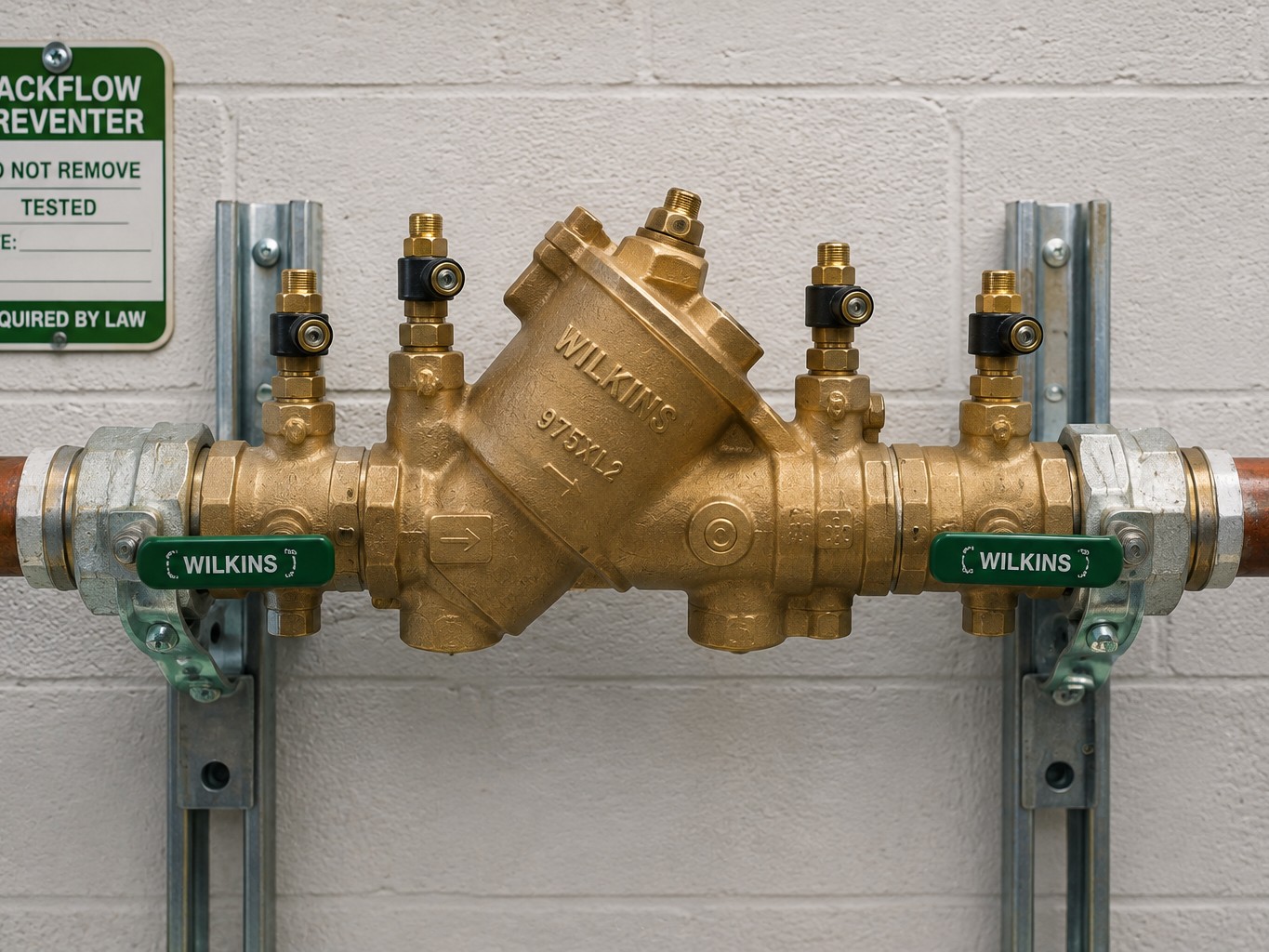
What the EPA actually says about cross-connection control and backflow prevention — and why the real rules you follow come from your state and local water authority, not a single federal standard.